




Trusted by clients worldwide




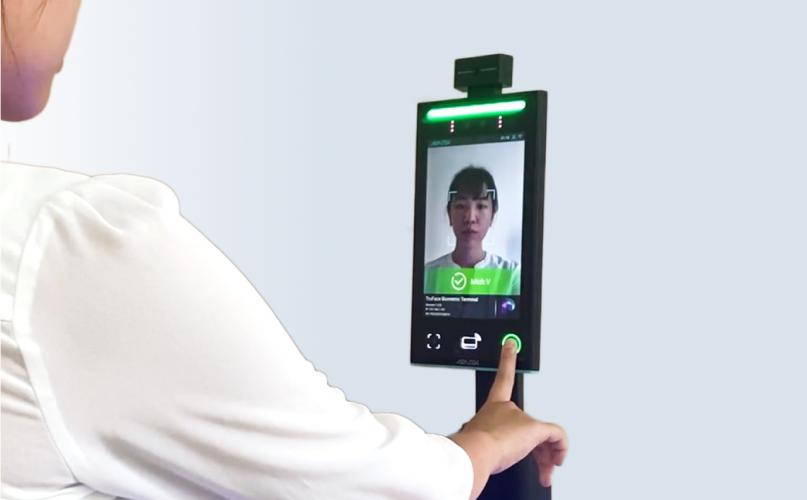
NCheck BioAttendance is a Biometric Attendance Management System designed to register and manage employee attendance using face, fingerprint, and iris biometric identification.
Powerful features:
- Face, Fingerprint, Iris, QR, Barcode attendance recognition
- Geofencing and locaton based tracking
- Contactless and hygienic
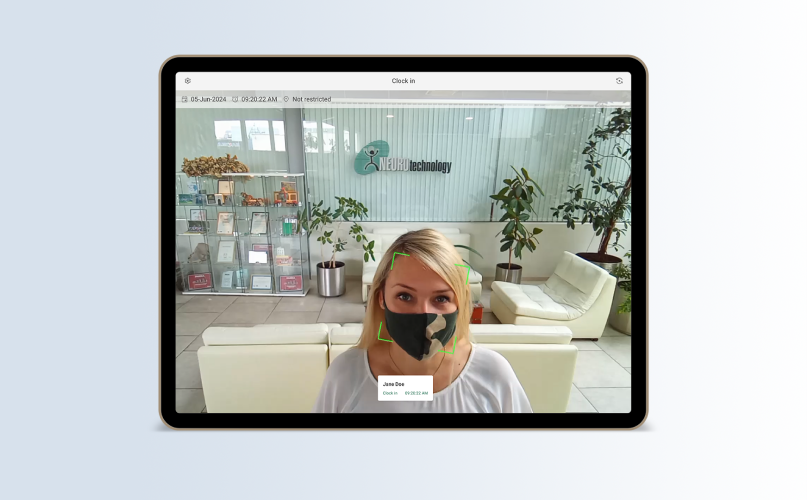
- Identification with face mask
- Face liveness detection
- Real-time face detection
- Fraudulent prevention
- Multiple face detection
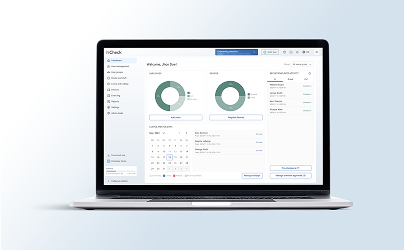
- Advanced reporting
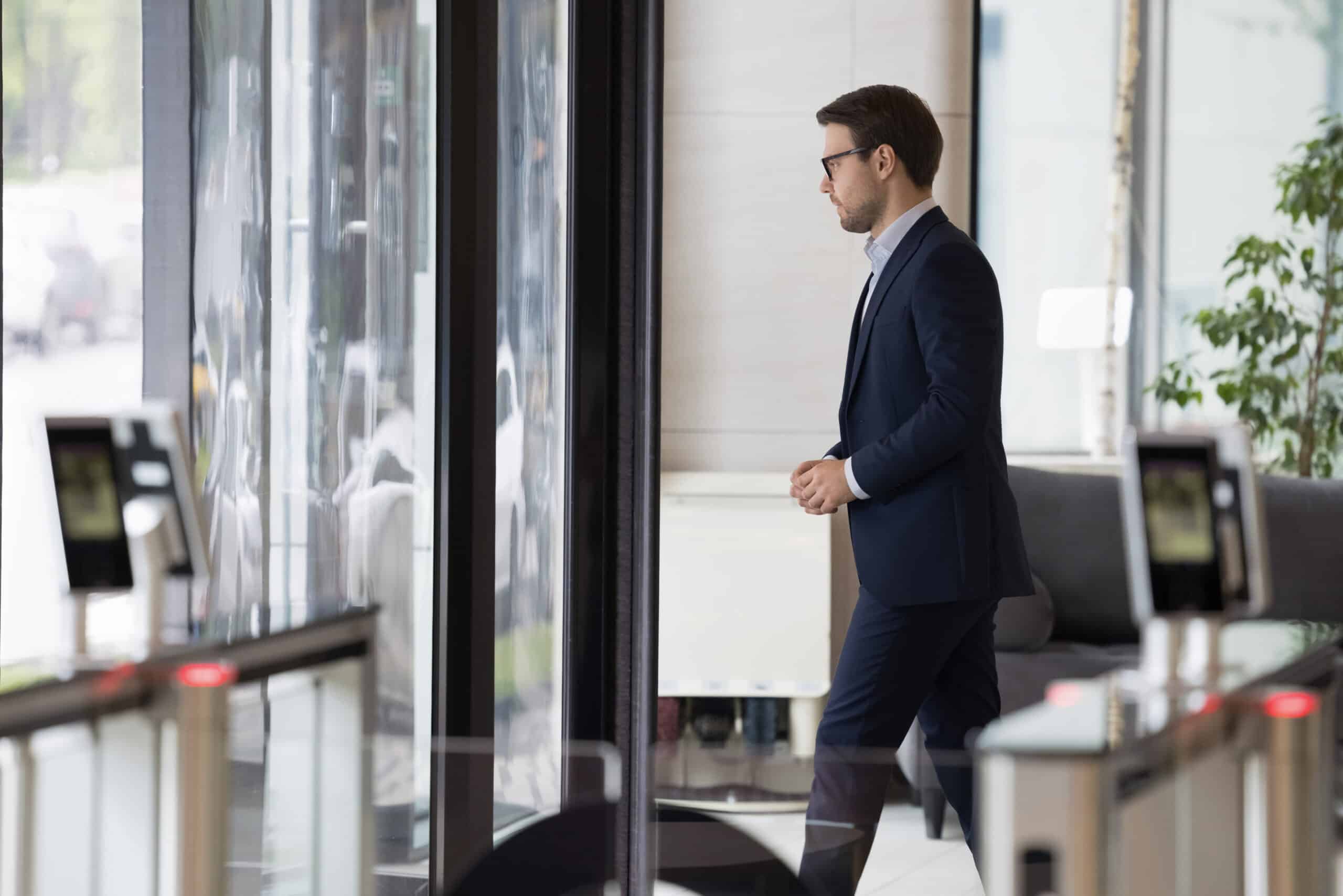
Seamlessly manage access control with NCheck, ensuring only authenticated individuals can enter. By integrating with access control gates, NCheck communicates directly to grant entry upon successful verification, enhancing security and efficiency.
Powerful features:
- Compatible with access gates, doors or even parking barriers
- Secure biometric authentication using face, fingerprint or iris
- Uses license plate recognition
- MQTT, HTTP and Bluetooth support

NCheck Biometric Visitor Management is designed to register, monitor, and manage visitors, their appointments, attendance & access control of any organization or institute by using face, fingerprint, and iris biometric identification.
It can be used to manage any type of visitor, such as customers, guests, attendees, suppliers, and passengers.
Powerful features:
- Secure visitor identification
- Real-time visitor analytics
- Online visitor appointments
- Visitor registration kiosk
- Visitor access control
- Visit logs
- Visitor information kiosk
- Real-time notifications
- Advanced scheduling
- Automatic appointment time and visitor queue management
How to setup NCheck
Stage 1: Account setup
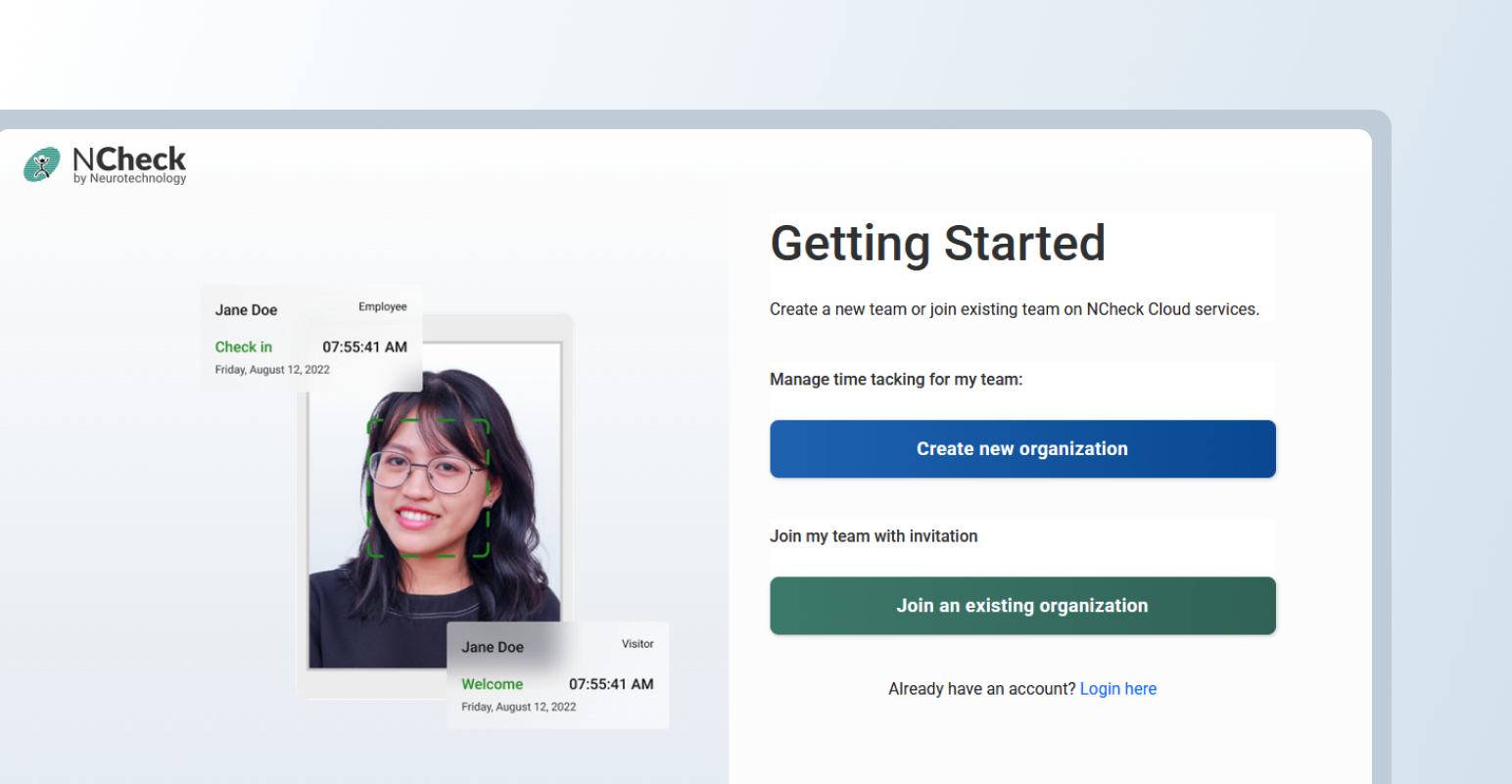
Create account
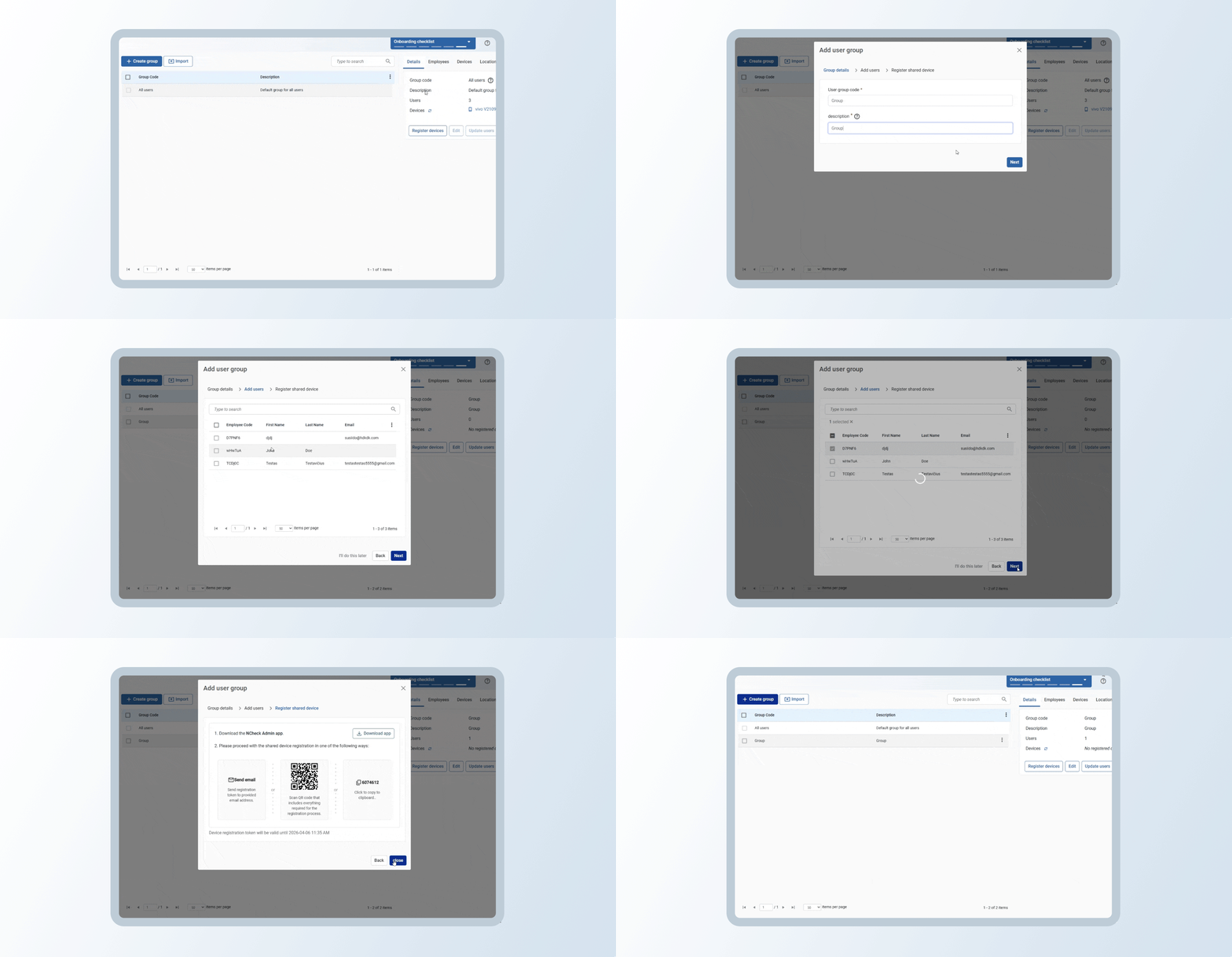
Setup your account
Stage 2: App registration and use

Download app
Open the app on device
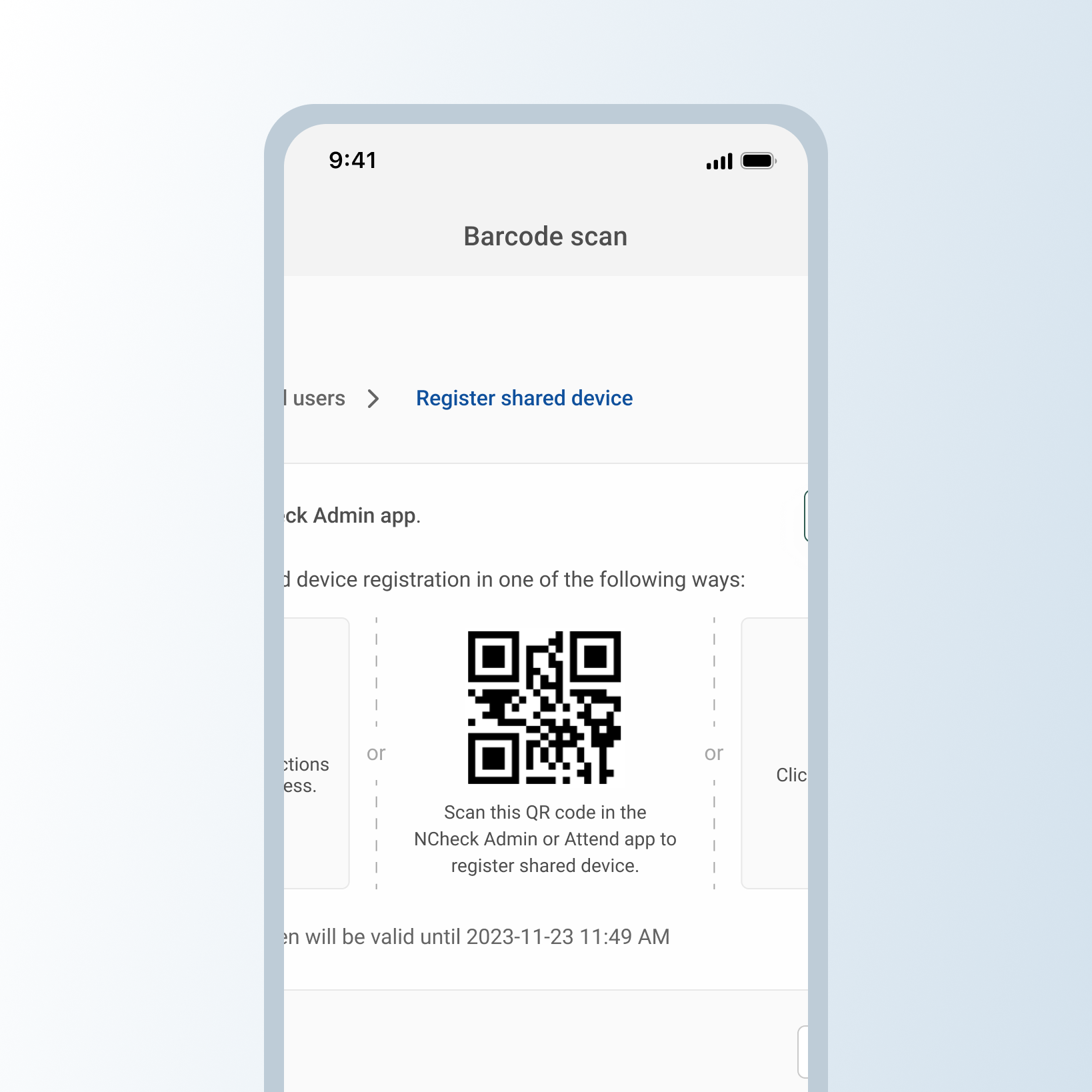
Scan QR code
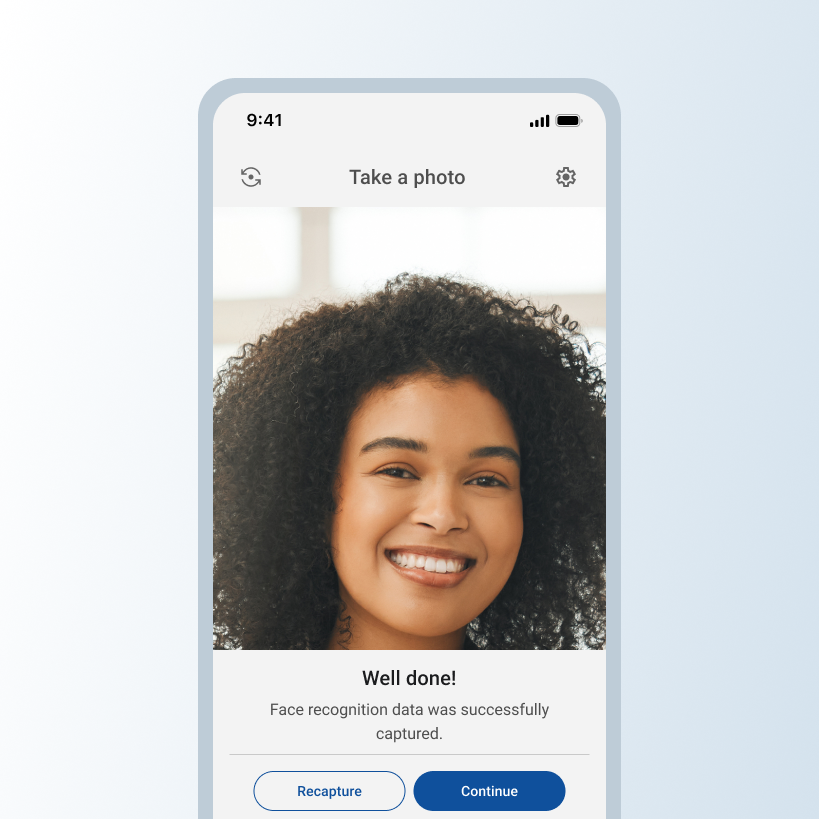
Enroll face
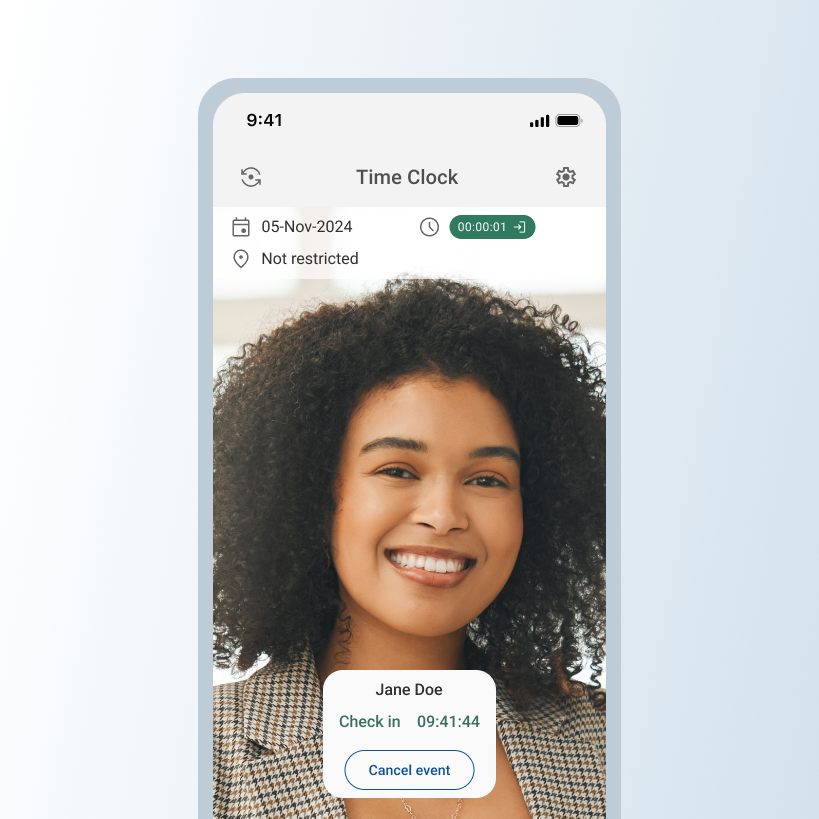
Mark attendance
Face, fingeprint, iris recognition
Multimodal biometrics ensure a secure authentication process, catering to diverse environments.
Cloud or on-premises deployment
We offer two flexible deployment options - choose the best that suits the scale of your organization.
Highly-secure data control
We strictly adhere to data privacy regulations, meaning that personal information is highly protected.

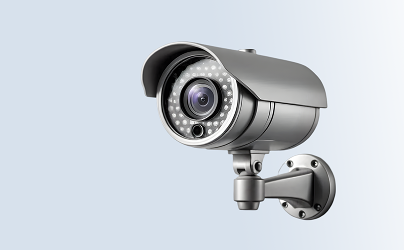
Security cameras support
Integrate NCheck into pre-existent security systems that use real-time video analytics and surveillance.

Employee and visitor management
Comprehensive solution for employee and visitor management, offering secure access tracking.

A complete solution with hardware
We offer complete hardware and software deployment for seamless installation and performance.

Flexible usage based pricing
Choose from our popular plan offers or request a custom quote.
Integration with payroll systems
Streamline HR processes by integrating NCheck with Tally ERP or Quickbooks for employee management.
Automated access control
Upgrade access control - combine security checkpoints, revolving gates, and more with NCheck.

For the organization
-
Face biometric - attendance with integrated camera. No proprietary hardware is required.
-
High accuracy and security - biometric identification with face, fingerprint, or iris provides highly accurate and reliable identification.
-
No Legacy cards or badges - biometric identification prevents fake attendance attempts on behalf of others.
-
Passive visitor identification - high volume attendance monitoring with multiple face recognition at once by surveillance cameras.
For the employee
-
Easy to Use - never worry about a lost or forgotten card or badge. Use biometrics to record attendance.
-
Accurate - recording biometrics for attendance ensures your attendance is accurately monitored.
-
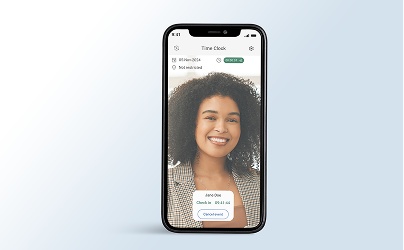
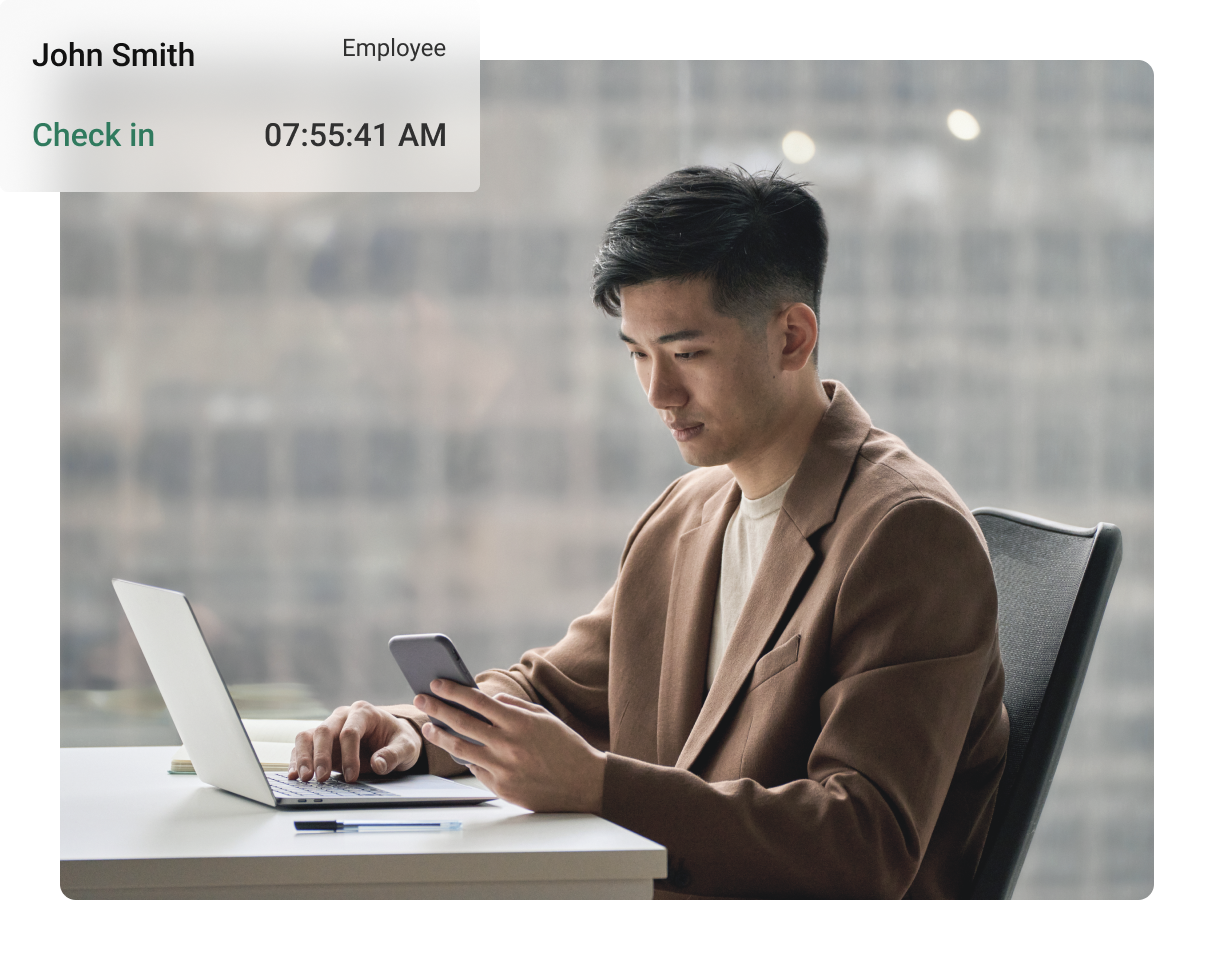
Anytime, Anywhere - log your attendance wherever you are, using a personal smartphone.
-
Contactless attendance recording - no-contact face and iris biometric scanning offers a more hygienic attending experience.
-
Off-line time tracking - NCheck records your attendance in real-time with no connectivity and sync as soon as the connectivity is available.
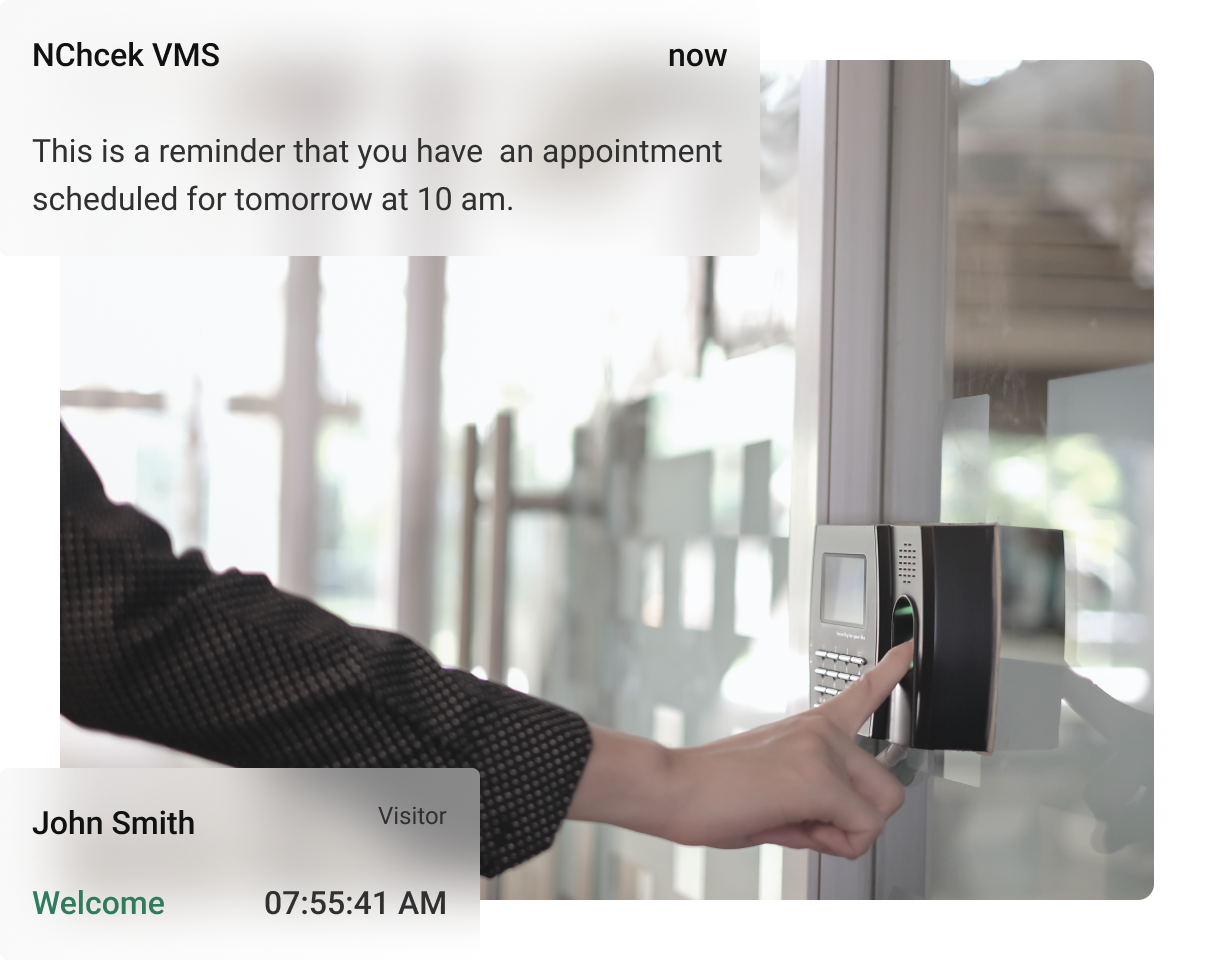
For the visitor
-
Convenient - easy to make appointments from anywhere, at anytime.
-
Alerts - the system will remind you about the appointments, in case you forgot them.
-
Contactless check-in - visitor face or iris scanning offers a more hygienic attendance recording solution.
-
Privacy - face, fingerprint, or iris biometric visitor validation ensures access to your information with only your authorization.
-
Personalized experience - visitors get personalized information by using biometric recognition.
Testimonials

Kate Gross
We are using this software in our school for taking attendance of staff and found very useful. This software register all our staff’s detail and biometrics information quickly and we immediately started taking the attendance of our staff. We have been able track the absentee of our staff and late comers. We have been able to take the attendance report on daily basis very quickly without any trouble.
Review from:

Seema C.

We are using this product for attendance purpose, it is designed in such a way that anyone can easily setup this for their organization. We are using Face recognition for authentication. Mobile app is also very useful for field force executives. It allows us to easily capture all our on-field executives, which help seamless payroll processing based on this data.
Review from: