NCheck biometric attendance system

Accurate and efficient solution for registration, time management and attendance.

Get started for free now! Free onboarding

All plans offer a 1 month free trial. No payment info needed for the Free Trial.

Face

Face

Face

Fingerprint

Face

Iris

Face

Barcode

Face

QR

Total hours
 
Total hours
Work hours
 
Work hours
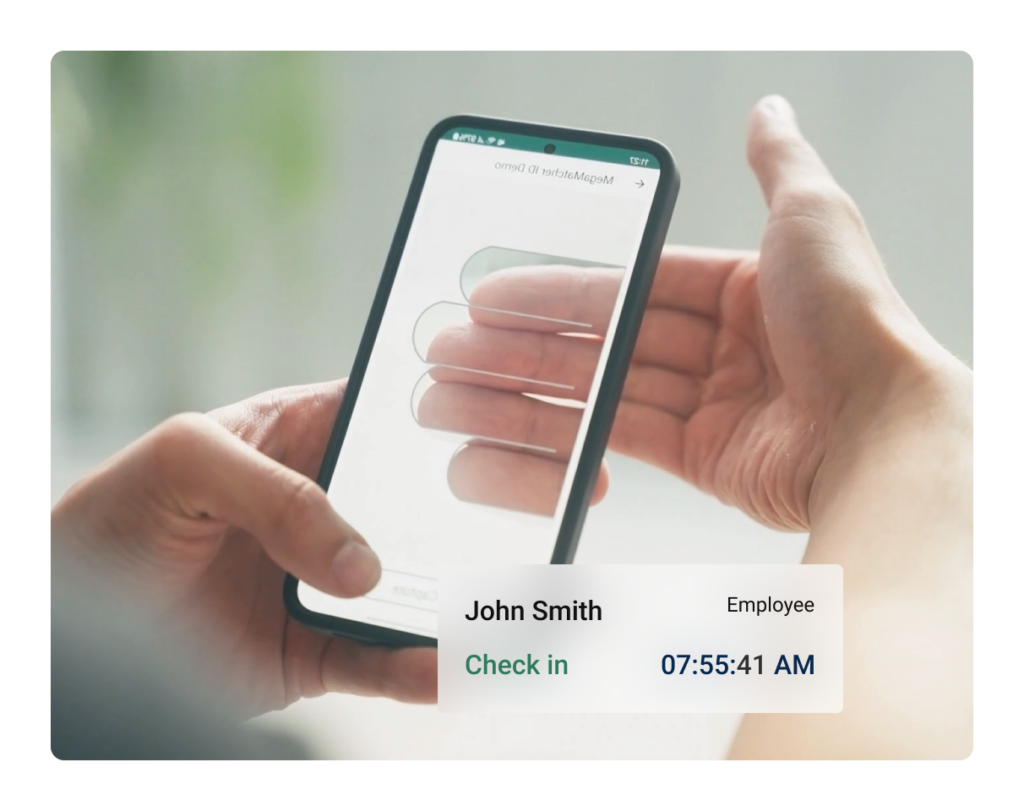
Jhon Smith
Employee
Check in
07:55:41 AM
Friday, August 12, 2022

Trusted by clients worldwide

 

Solution for online and offline

Our solution offers the flexibility of both cloud-based and on-premises options that can be adjusted to the needs of your case.

Cloud

Biometric employees management system on-cloud


  • Monthly subscription
  • No license required
  • Subscription price depends on the number of employees
  • Supports NCheck Admin and Attend apps
  • No need to worry about server installation and no maintenance needed
  • Effortless system hosting on cloud

On-premises

Biometric employees management system on-premises


  • One time purchase
  • Licenses required
  • License price depends on the number of employees
  • Supports NCheck Admin and Attend apps
  • Need a PC to install server software
  • Customer has the freedom to configure the server as they like

How to setup NCheck

Create account
  • Enter personal information.
  • Provide organization details.
  • Select plan and user volume.
  • Verify your email.

System configuration
  • Select device registration type.
  • Assign users for that device.
  • Download NCheck apps to the device.
  • After downloading the app, open it and link it to the system by entering device registration token.

Setup device
  • Select device registration type.
  • Assign users for that device.
  • Download NCheck apps to the device.
  • After downloading the app, open it and link it to the system by entering device registration token.

Mark attendance and generate reports
  • After registering devices, start check-in and check-out on NCheck apps.
  • In the control panel check the event logs page for new events from your devices.
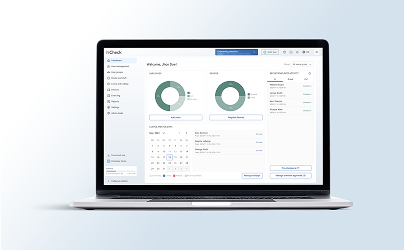
  • Generate reports to view attendance summaries.

Contact us

Reach out to our team for on-premises installation at your location.

Contact Us Today!

User-centered applications

Our NCheck Admin and Attend apps, available for Android and iOS, offer efficient tools for all administrators, attendees and visitors.


parameters NCheck Admin NCheck Attend

Biometrics

face, fingerprint, iris face

Automatic face detection and capture

Face liveness detection

Recognize all persons from group photo

Geo fence tracking

(Location restriction)

GPS location logging

Offline attendance logging

Operating system support

Windows, Android Windows, Android, iOS

Standalone operation

Access control

Kiosk mode

RFID, Barcode

Personal device

(Use of your own device)

Price

95 EUR / installation Free
Parameters
NCheck Admin NCheck Attend

Biometrics

face, fingerprint, iris face

Automatic face detection and capture

Face liveness detection

Recognize all persons from group photo

Geo fence tracking
(Location restriction)

GPS location logging

Offline attendance logging

Operating system support

Windows, Android Windows, Android, iOS

Standalone operation

Access control

Kiosk mode

RFID, Barcode

Personal device
(Use of your own device)

Price

95 EUR / installation Free

NCheck system overview

NCheck Supported Devices

smartphone (1)

Smartphone

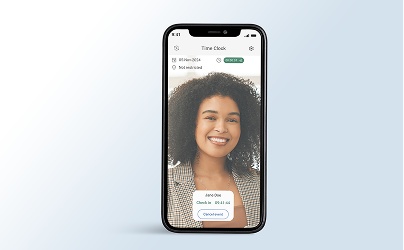
NCheck seamlessly integrates with various smartphone models running Android and iOS.
See requirements
image_2024_10_28T09_37_19_187Z

Tablets

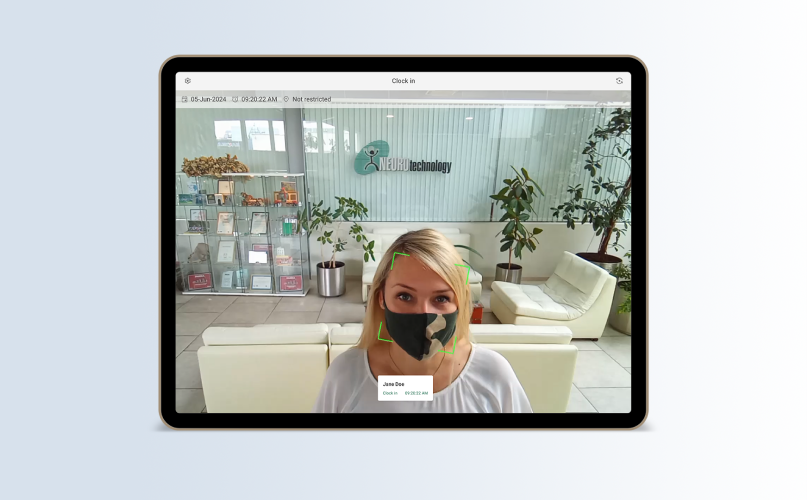
NCheck supports different tablet models that work well with both Android and iOS operating systems.
See requirements
desktop (1)

Desktop

NCheck utilizes standard webcams for convenient biometric capture in office environments.
See requirements
image_2024_10_28T09_37_28_257Z

Biometric Terminals

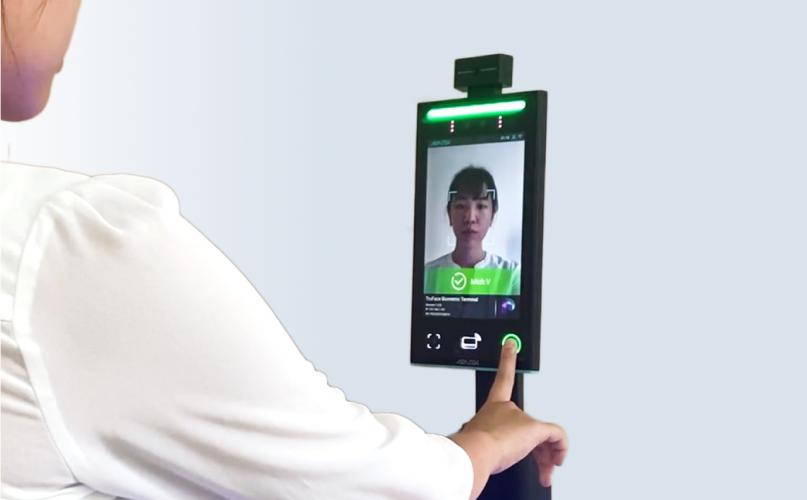
NCheck fully supports biometric terminals, integrating multi-biometric and other authentication methods.
See requirements
IP camera

IP cameras

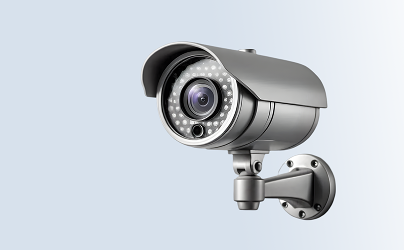
NCheck can be incorporated into existing camera networks for efficient surveillance-based identification.
See requirements
cameras and scanners

Cameras and scanners

NCheck supports specialized biometric hardware for diverse identification needs and different scenarios.
See requirements

Features

NCheck has a comprehensive set of features that can enhance the workflow for different industries.

Integrations

Simplify financial operations with NCheck Biometric Attendance system. Seamless payroll integrations just for you!

QuickBooks

QuickBooks provides a user-friendly suite of tools for invoicing, expense tracking, payroll, and financial reporting, enabling efficient organization, cash flow management, and insightful business reporting.

Follow integration guide
Tally ERP

Tally ERP systematizes your business operations with its powerful tools for accounting, sales, inventory, manufacturing, taxation, payroll, and MIS reporting. It ensures efficient workflow.

Follow integration guide

Employee Time Management system benefits

image_2024_10_28T11_26_25_579Z

For the organization

  • Face biometric - attendance with integrated camera. No proprietary hardware is required.

  • High accuracy and security - biometric identification with face, fingerprint, or iris provides highly accurate and reliable identification.

  • No Legacy cards or badges - biometric identification prevents fake attendance attempts on behalf of others.

  • Passive visitor identification - high volume attendance monitoring with multiple face recognition at once by surveillance cameras.

image_2024_10_28T11_27_23_992Z

For the employee

  • Easy to Use - never worry about a lost or forgotten card or badge. Use biometrics to record attendance.

  • Accurate - recording biometrics for attendance ensures your attendance is accurately monitored.

  • Anytime, Anywhere - log your attendance wherever you are, using a personal smartphone.

  • Contactless attendance recording - no-contact face and iris biometric scanning offers a more hygienic attending experience.

  • Off-line time tracking - NCheck records your attendance in real-time with no connectivity and sync as soon as the connectivity is available.

Applications and Industries

Our Bio Attendance system can be successfully used by various businesses and institutions. 

Frequently asked questions

1How I can try NCheck Bio Attendance?
You can register and use free for unlimited time cloud subscription (up to 5 users) or alternatively download and install the trial version, which is free of charge for 30 days.
2How can I upgrade my trial version to paid version?
For NCheck Bio Attendance Cloud, just sign in and upgrade your subscription.
3Can I use the data from trial version in the paid version?
Yes, you can continue using the data collected during the trial period.
4What are the requirements for software and hardware?
The system can run on all Windows PCs, Windows tablets and Android devices (for iOS only client application for employees/users is available). A camera is needed to perform face identification. The system supports webcams and built-in cameras. For fingerprint or iris identification, the system requires an external fingerprint reader or iris scanner. Supported devices are listed here . Upon connection, supported scanners and camera devices are detected and configured automatically.
5Is it necessary to have an internet connection to use NCheck Bio Attendance?
On-Premises paid version can run without internet connection. Internet connection is needed for activating the license, for using a trial version and for Cloud version.
6What is the difference between NCheck Standard, NCheck Server and NCheck Lite?

NCheck Standard - fully functional time and attendance application with all three available modalities (face, finger, iris).

NCheck Server is suitable for usage on your selected server and performs as central database (includes web for administrator).

NCheck Lite is a simple and free for unlimited time application, which is an addition to paid products. It is suitable only for user identification (check-in/check-out) by face.

7What happens in case of connectivity failure (if you run NCheck Bio Attendance on your server)?
You can configure devices for running in the offline mode. When the server is disconnected, device can still perform employee identification locally and record the attendance. The attendance terminal software updates the data collected offline as soon as connects with the server again.

Have more questions?

Contact us now for any inquiries - we are here for you.