





Trusted by clients worldwide




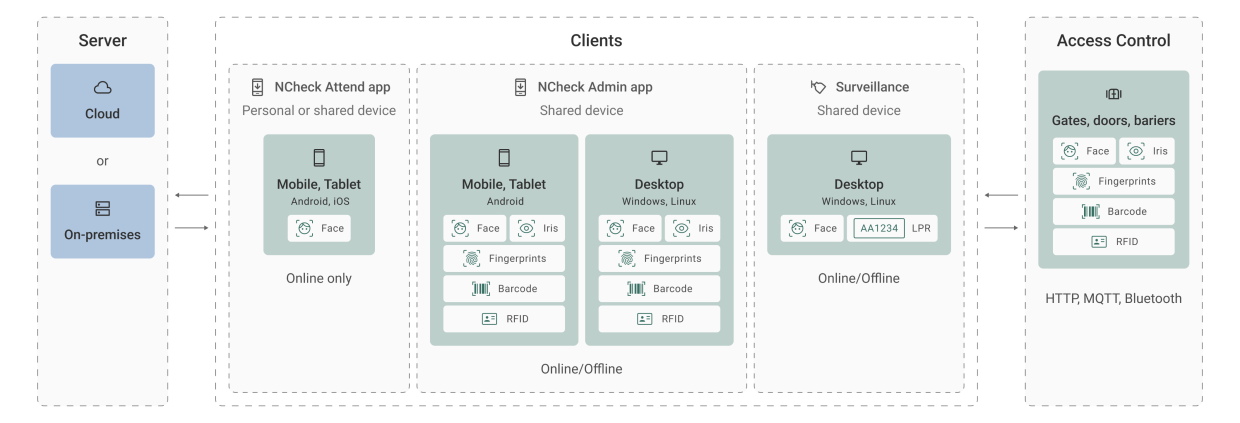
Solution for online and offline
Our solution offers the flexibility of both cloud-based and on-premises options that can be adjusted to the needs of your case.

How to setup NCheck

Create account
- Enter personal information.
- Provide organization details.
- Select plan and user volume.
- Create the account.
- Verify your email.

System configuration
- Log in to the control panel
- Add employees and enroll biometrics
- Share personal device registration code (optional)
- Create employee groups (optional)
- Define working shift (optional)
Setup device
- Select device registration type.
- Assign a user group for that device.
- Generate a device registration token/QR code.
- Download NCheck Admin app to the device.
- After downloading the app, open it and scan the QR code or enter the token to register device.
- Employees can use the device token received via email to register NCheck Attend app.

Mark attendance and generate reports
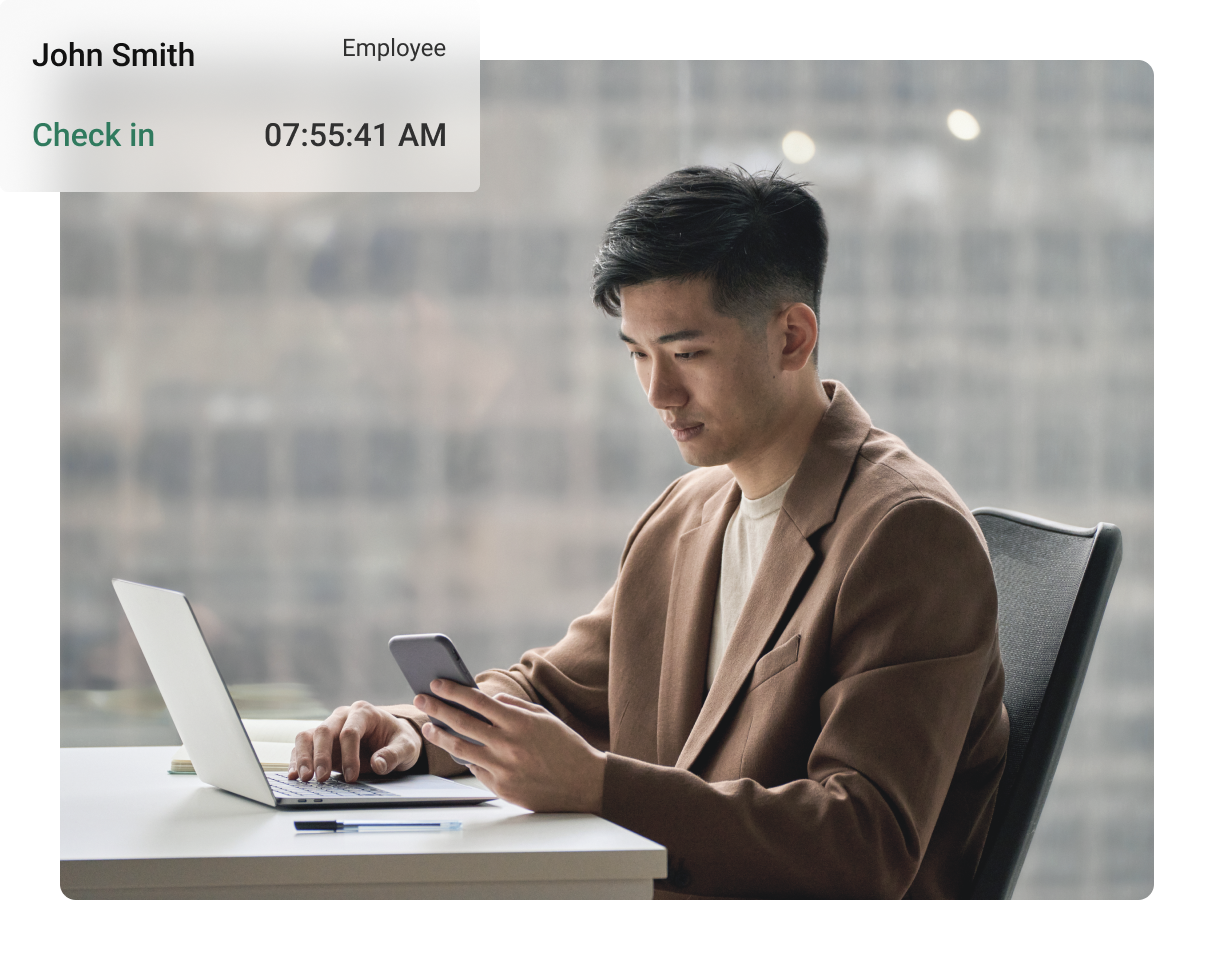
- After registering devices, start check-in and check-out on NCheck apps.
- In the control panel check the event logs page for new events from your devices.
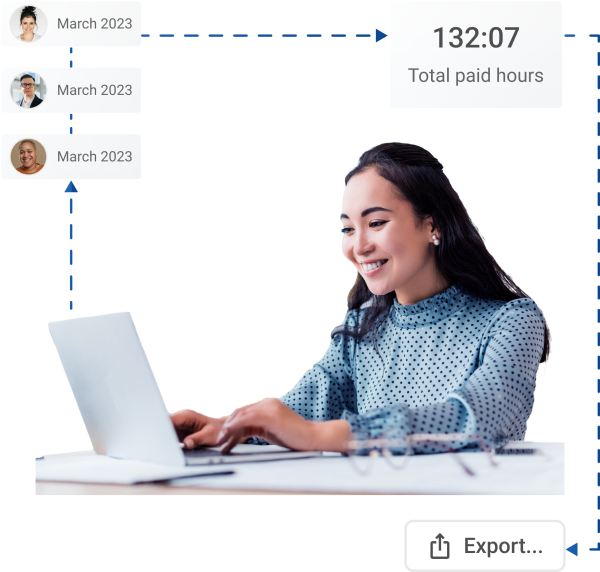
- Generate reports to view attendance summaries.
- Use custom reports to define your own report structure.
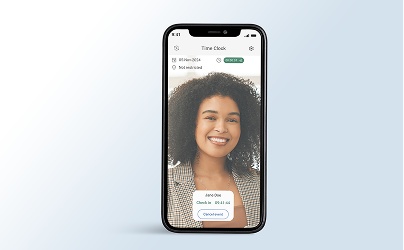
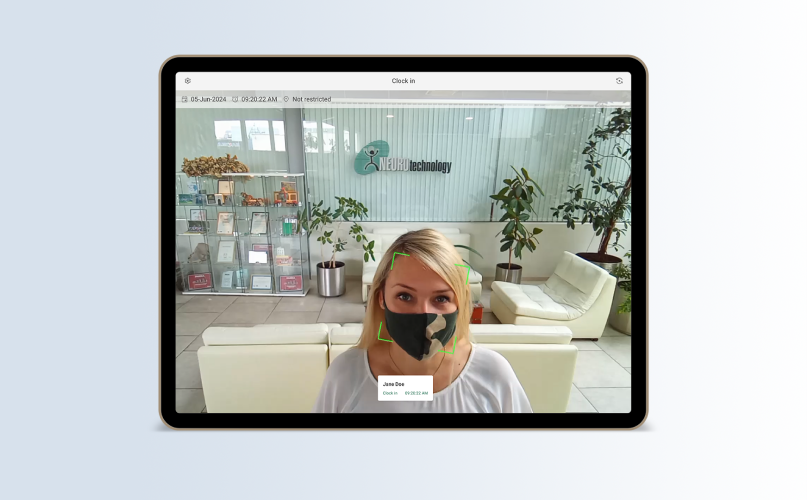
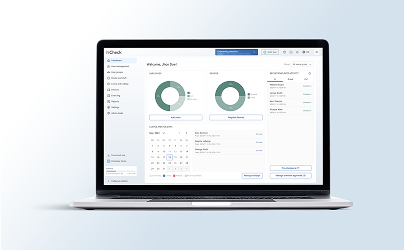
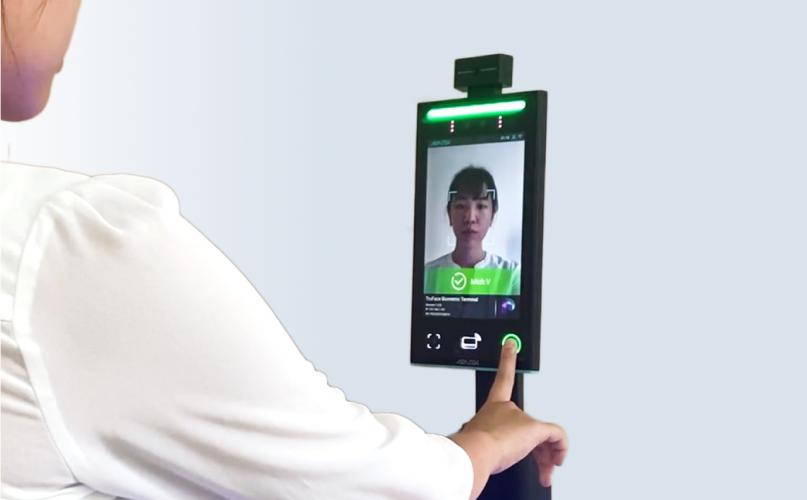


Face, fingerprint, iris recognition
Multi-biometric authentication reinforces security and user convenience.

Comprehensive reporting
Detailed attendance analytics for performance evaluation and compliance.

Location tracking
Employee location monitoring for improved on-premise security.

Liveness detection
Faster authentication and prevention of spoofing attacks with live registration.

Real-time face detection
Instant identification for a hassle-free sign-in process and attendance tracking.

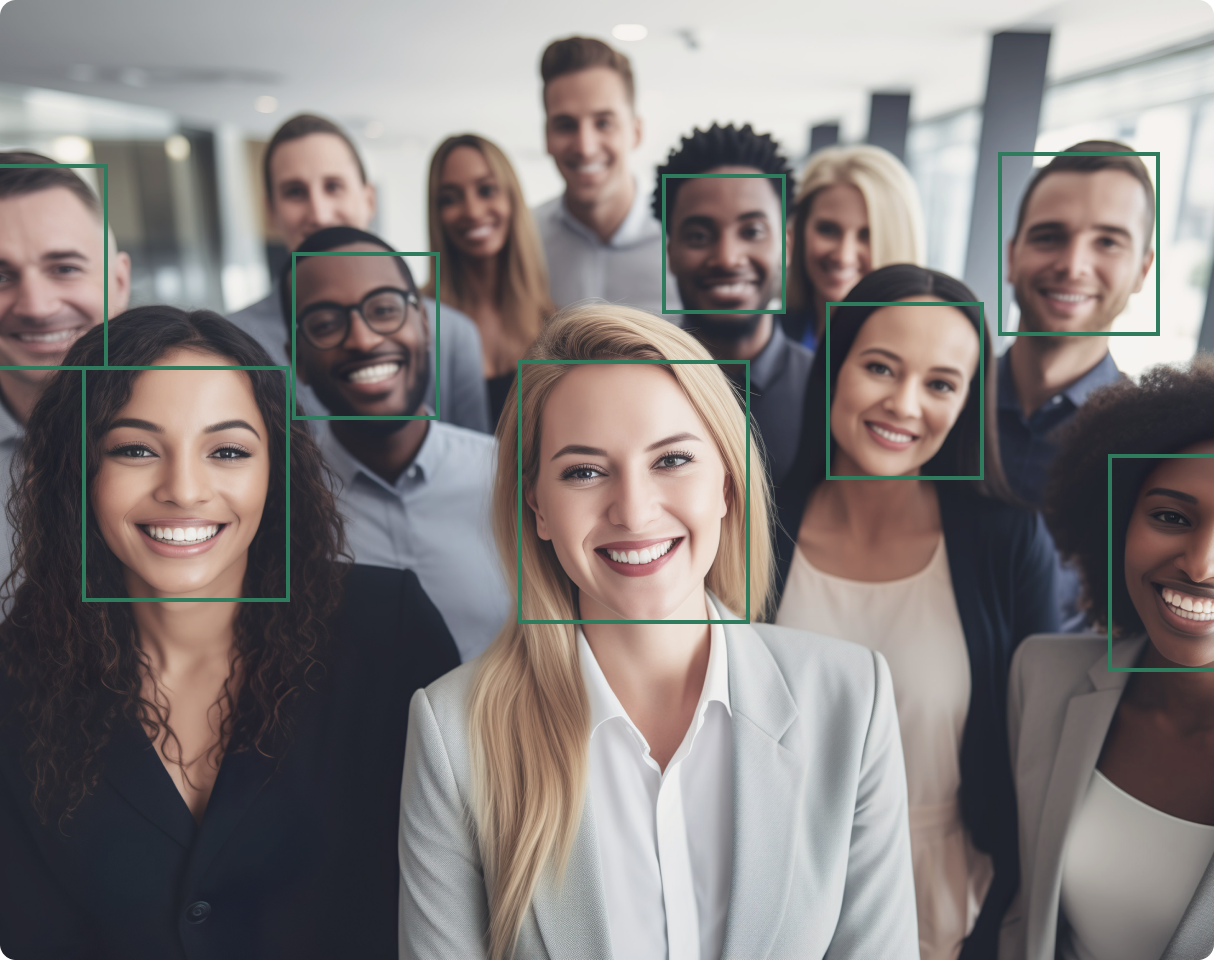
Multiple face detection
Accurate identification of individuals in a crowded and busy environment.

Identification with face mask
Granting access to the right individuals even if they are wearing masks.

On-premises deployment
Have full control of your hardware, software, and sensitive data at your service.

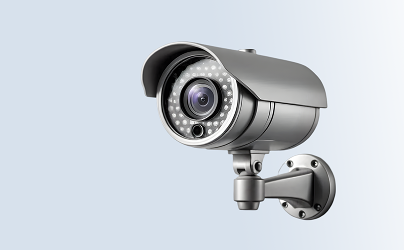
IP camera support
Easy integration with existing surveillance systems for efficient employee management.
For the organization
-
Face biometric - attendance with integrated camera. No proprietary hardware is required.
-
High accuracy and security - biometric identification with face, fingerprint, or iris provides highly accurate and reliable identification.
-
No Legacy cards or badges - biometric identification prevents fake attendance attempts on behalf of others.
-
Passive visitor identification - high volume attendance monitoring with multiple face recognition at once by surveillance cameras.
For the employee
-
Easy to Use - never worry about a lost or forgotten card or badge. Use biometrics to record attendance.
-
Accurate - recording biometrics for attendance ensures your attendance is accurately monitored.
-
Anytime, Anywhere - log your attendance wherever you are, using a personal smartphone.
-
Contactless attendance recording - no-contact face and iris biometric scanning offers a more hygienic attending experience.
-
Off-line time tracking - NCheck records your attendance in real-time with no connectivity and sync as soon as the connectivity is available.
Applications and Industries
Our Bio Attendance system can be successfully used by various businesses and institutions.