




Trusted by clients worldwide




Solution for online and offline
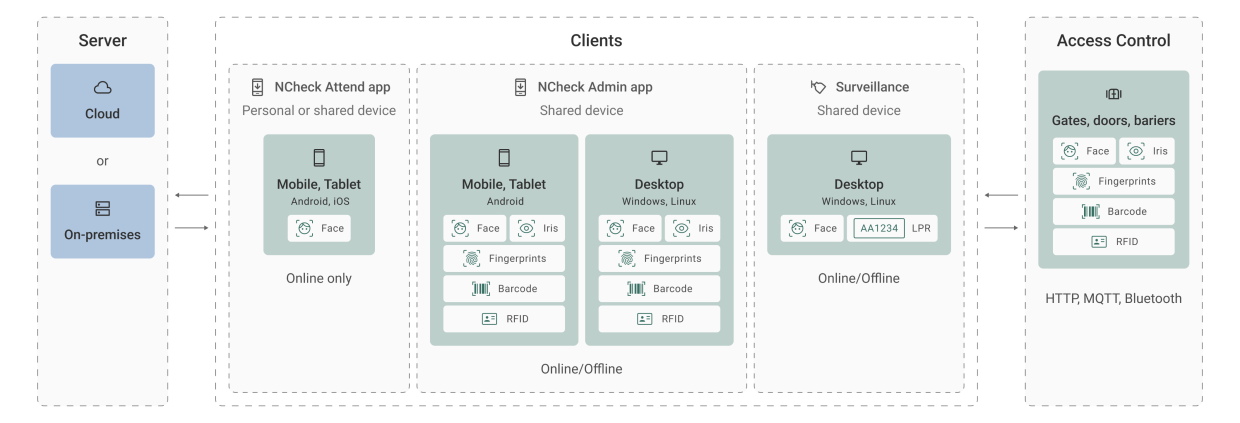
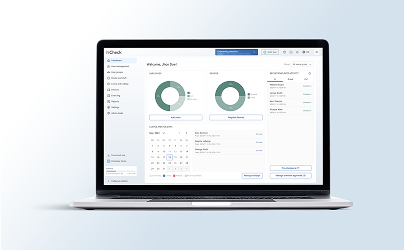
Our solution offers the flexibility of both cloud-based and on-premises options that can be adjusted to the needs of your case.


How to setup NCheck

Create account
- Enter personal information.
- Provide organization details.
- Select plan and user volume.
- Create the account.
- Verify your email.

System configuration
- Log in to the control panel
- Add employees for managing visitors
- Define locations for visitor management project (optional)
- In the Schedule and shifts, select shifts and create one.
- In the same section, select Schedules and switch to Visitor management.
- Create a visitor management schedule. Project can be created with pre-defined scenarios.
- Access the schedule and create plans for each day.
Setup device
- Select device registration type.
- Assign a location for that device.
- Generate a device registration token/QR code.
- Download NCheck Admin app to the device.
- After downloading the app, open it and scan the QR code or enter the token to register device.
- Now device is ready for visitor attendance tracking.
Create appointments and check-in
- Share the online appointment booking page or setup a kiosk device
- Visitors can place appointments and admin can approve them from Control panel
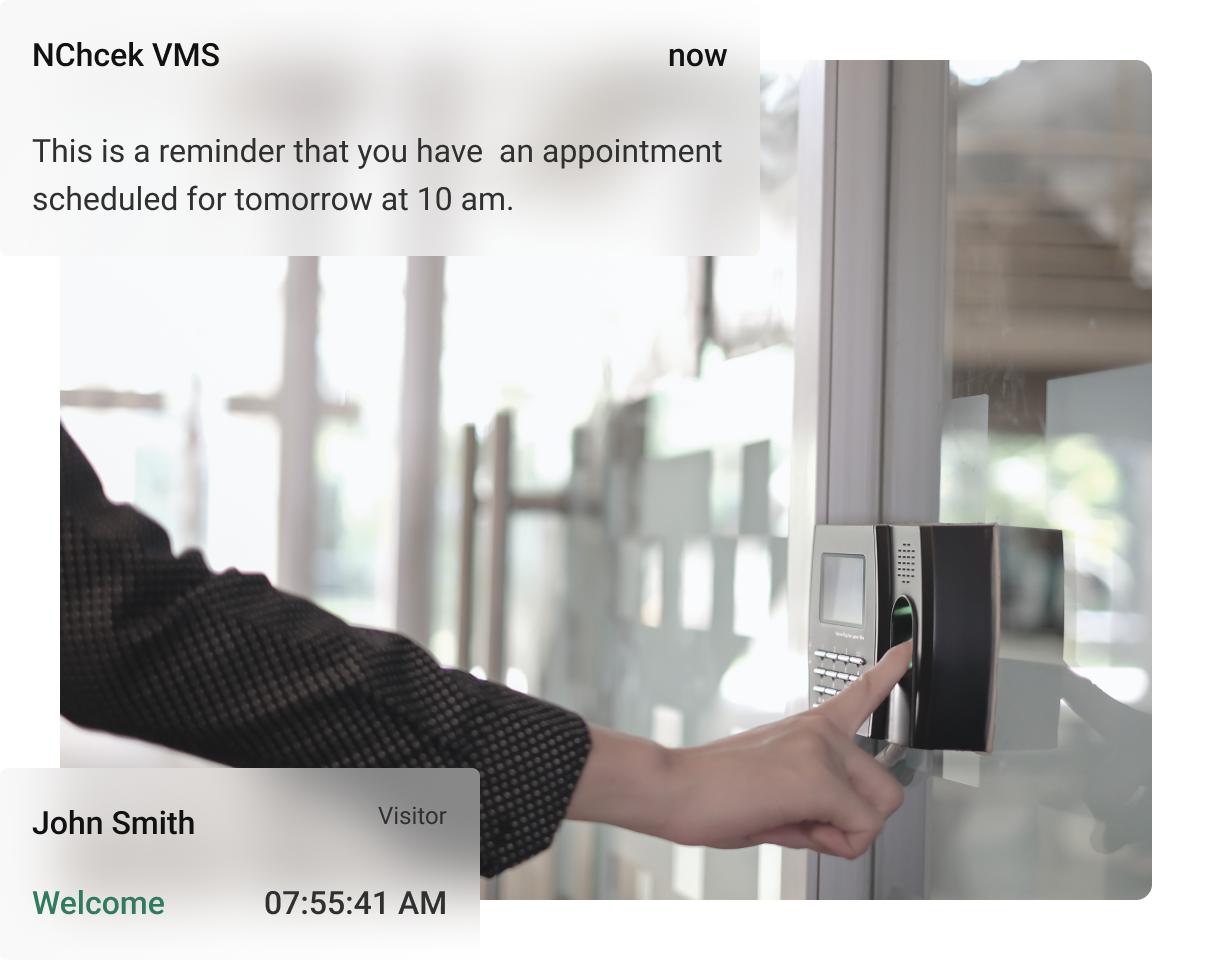
- Approved appointments can check-in using the visitor attendance device.
- Admin can see visitor attendance and statistics reports
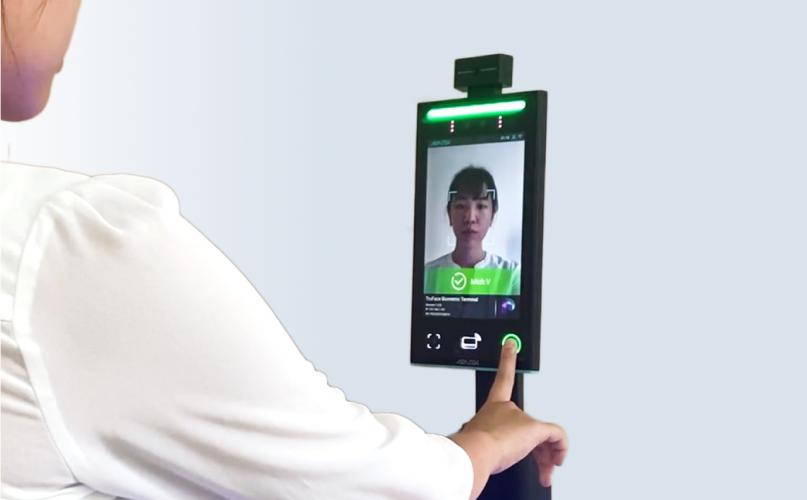


Face, fingerprint, iris recognition
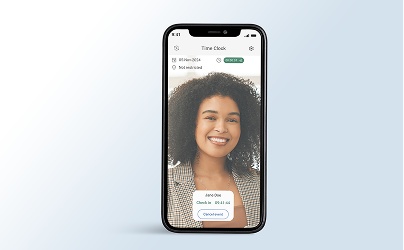
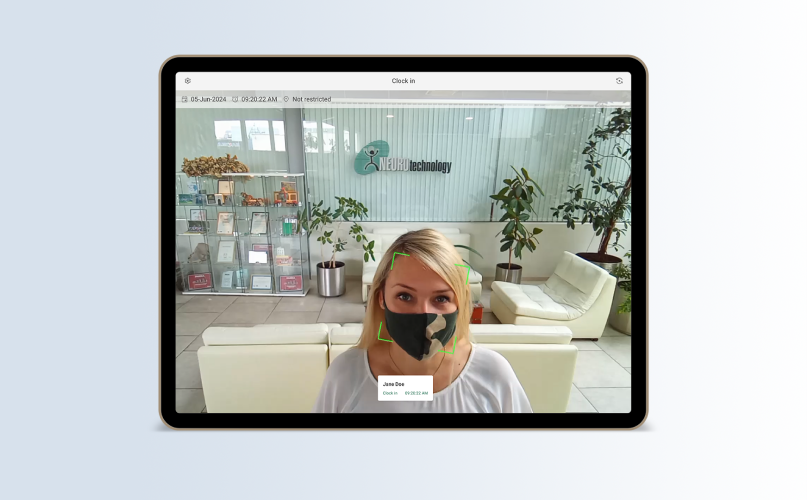
Advanced multi-biometric authentication methods to ensure secure and accurate identification of visitors.
Data privacy
We ensure that all personal data is securely stored and managed in compliance with strict privacy regulations.

Secure visitor access
Grant secure access to your facilities via Barcode, RFID, face, fingerprint, and iris recognition methods.

Automated access control
Visitor-restricted and allowed gates are controlled with attendance devices.

Realtime visitor analytics
Visitor attendance devices record instances of access-granted and access-denied information in the system.

Electronic pass
Provide electronic passes to visitors for a more efficient check-in process, including RFID, barcode, and license plate scan.
Customizable visit notes
Customized visit notes with forms and attachments can be used to create detailed visitor attendance logs.
Online pre appointments
Allow your visitors to schedule their appointments online in advance, reducing wait times and optimizing visitor flow.

Contactless and hygienic
Promote hygiene and safety by implementing contactless check-in processes, minimizing physical interactions.
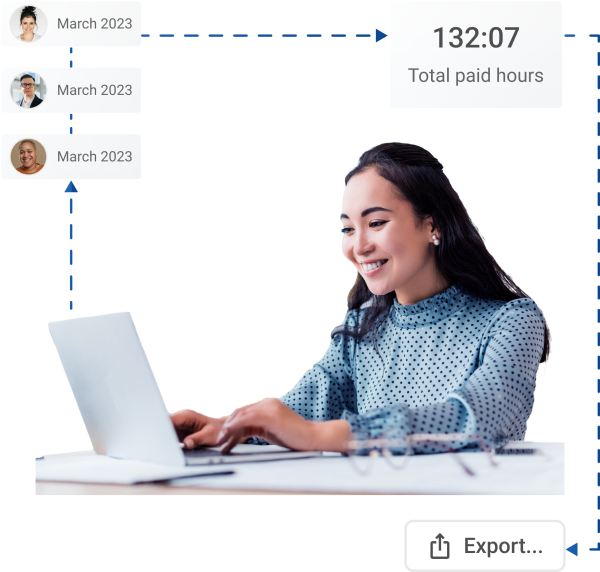

For the organization
-
Face biometric - attendance with integrated camera. No proprietary hardware is required.
-
High accuracy and security - biometric identification with face, fingerprint, or iris provides highly accurate and reliable identification.
-
No Legacy cards or badges - biometric identification prevents fake attendance attempts on behalf of others.
-
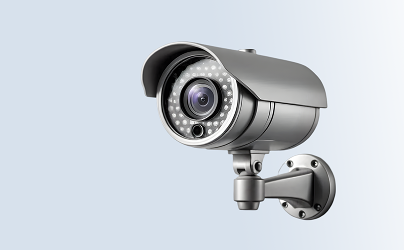
Passive visitor identification - high volume attendance monitoring with multiple face recognition at once by surveillance cameras.
For the employee
-
Easy to Use - never worry about a lost or forgotten card or badge. Use biometrics to record attendance.
-
Accurate - recording biometrics for attendance ensures your attendance is accurately monitored.
-
Anytime, Anywhere - log your attendance wherever you are, using a personal smartphone.
-
Contactless attendance recording - no-contact face and iris biometric scanning offers a more hygienic attending experience.
-
Off-line time tracking - NCheck records your attendance in real-time with no connectivity and sync as soon as the connectivity is available.
Applications and Industries
NCheck can be applied to a wide range of industries to streamline and enhance the authentication process for both the organization and the attendee.